LangGraph CLI 0.4.29 Adds HTTPS to Local Dev
langgraph-cli release 0.4.29 landed via commit 93307d6 on 11 Jun, and it finally fixes a glaring hole in local development: HTTPS encryption. Previous iterations forced developers to rely on unsecured localhost connections, creating a dangerous gap between local testing and production reality. This update closes that loop by enabling TLS encryption directly from the command line. By introducing certfile and key parameters, the CLI now allows the dev server to run with full HTTPS security, mirroring the strict network constraints of deployed environments.
This isn't just a feature tweak; it's a necessary correction for teams managing divergent versioning tracks across Python and JavaScript ecosystems. The release also brings artifact integrity to the forefront, with github-actions signing the build to protect the supply chain of this 36.2k starred repository.
The days of assuming "localhost is safe enough" are over. With version 0.4.29, teams can enforce production-grade security protocols during the development phase, ensuring that LangGraph platform deployments don't fail due to environment discrepancies.
What 0.4.29 Changes for Local Development
LangGraph CLI 0.4.29 GPG Signature and Verified Release Identity
Trust starts with verification. Langgraph-cli version 0.4.29 enforces artifact integrity through a GPG signed release mechanism, verifiable against key ID B5690EEEBB952194. Anchored to commit 93307d6 and published by github-actions on 11 Jun at 19:53, this build proves its lineage. The verification key ID guarantees the binary comes straight from the official langchain-ai repository, ruling out interception or tampering. Release notes confirm the addition of certfile and key support, enabling the dev server to operate under HTTPS.
Identity proofs aren't optional; they ensure the CLI binary matches the source commit exactly. Release events mark critical junctures, separating stable, tested builds from the chaos of ongoing trunk changes. With 36.2k stars and 6.1k forks, the repository's adoption metrics reflect a community that increasingly demands supply chain security. Ignoring these signals invites risk; verifying them establishes a baseline of trust.
Applying Divergent Polyglot Versioning in Local-First LangGraph Workflows
Version management in polyglot environments often feels like herding cats. The Python CLI sits at 0.4.29, while the JavaScript package has already jumped to 1.4.1. This isn't an error; it's a reflection of strict runtime constraints. The Python variant requires Python 3.11+, whereas the JavaScript counterpart demands exclusively Node.js 20. At the heart of this local-first workflow lies the langgraph.json configuration file, the manifest defining the Agent Server's behavior before it ever touches the cloud.
| Runtime | Package Name | Version | Constraint |
|---|---|---|---|
| Python | langgraph-cli |
0.4.29 | Python 3.11+ |
| Node.js | @langchain/langgraph-cli |
1.4.1 | Node.js 20 |
These parallel tracks signal a deliberate shift toward supporting diverse ecosystems beyond Python-only tooling. Developers should reference the JavaScript variant to verify current npm availability. The configuration also supports an env field, crucial for handling variables securely during local execution. However, this polyglot approach carries a tax: increased cognitive load. Teams must pin versions independently to prevent compatibility drift between language runtimes. Failure to do so breaks builds.
Mechanics of HTTPS Integration and Certificate Management
Defining the certfile and key Parameters in CLI HTTPS Support
The mechanism is straightforward but essential. Passing certfile and key arguments to the run dev command enables the local Agent Server to terminate TLS connections directly. Developers supply file paths to their development certificates, allowing the CLI to spin up a secure HTTP server that replicates production network constraints. This setup is the backbone of a robust local-first workflow, letting teams build and run the Agent Server on their machines with the same security posture expected in the cloud.
| Parameter | Function | Requirement |
|---|---|---|
certfile |
Specifies the public certificate path | File path |
key |
Specifies the private key path | File path |
Yes, this adds configuration complexity. But that friction is the price of accuracy. You cannot simulate secure development environments if you cannot reproduce TLS handshakes and certificate validation errors explicitly.
Running the Dev Server Under TLS: Three Steps
This capability marks a distinct break from cli==0.4.28, which could not accept certificate files at all. The workflow is simple:
- Generate or locate development certificates valid for the local host domain.
- Invoke the CLI run command with explicit arguments pointing to these cryptographic assets.
- Verify the Agent Server accepts encrypted handshakes before pushing code to remote infrastructure.
When teams adopt this method, code behavior remains consistent whether running on a laptop or inside a cloud orchestration layer. The trade-off is clear: balance the fidelity of emulating production security constraints against the operational friction of maintaining valid local keys. For version 0.4.29, fidelity wins.
Deploying the Development Server with TLS Encryption
Certificate Hygiene for the Local Dev Loop
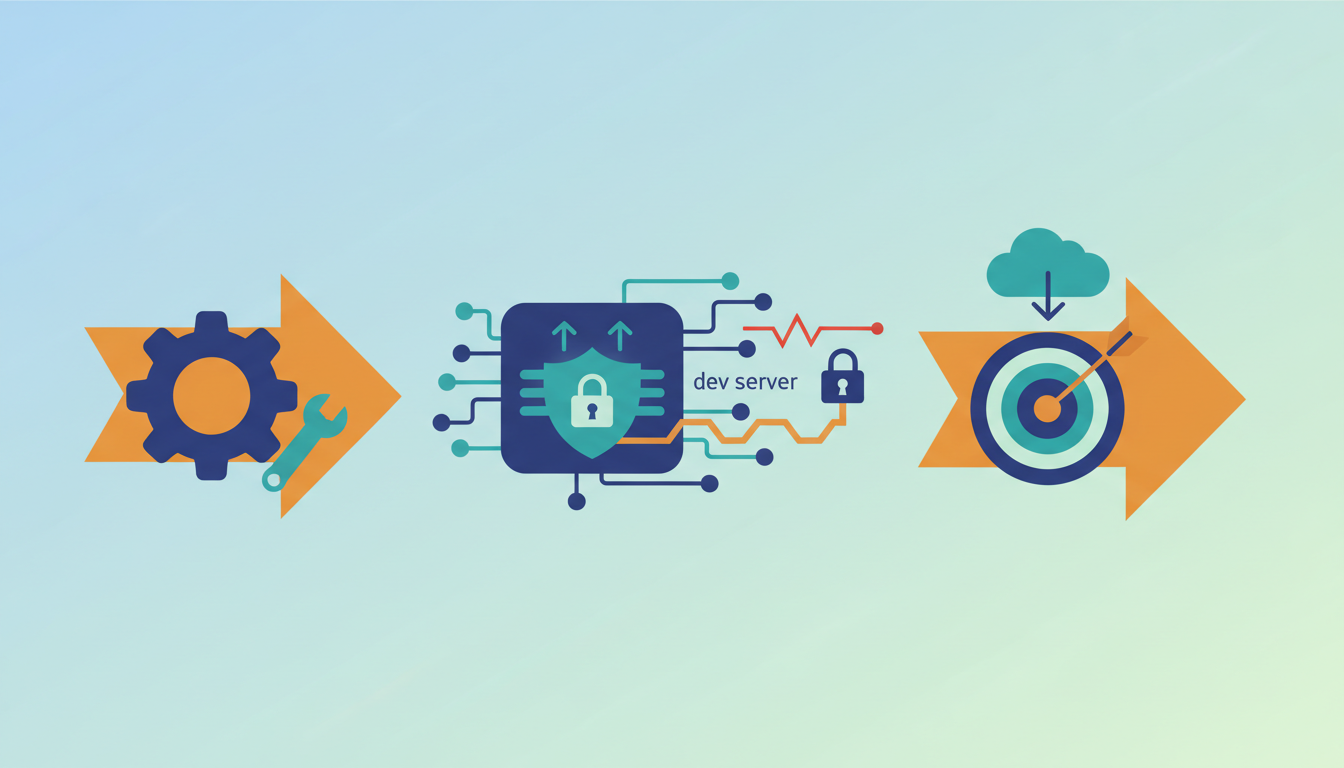
Speed often battles security. Rapid iteration tempts developers to skip TLS, but enforcing it locally catches client-side handshake failures early. Sure, it adds overhead for simple logic checks where encryption seems irrelevant. Yet, for teams adopting the Agent Server locally, this choice determines whether the development environment reflects the strict trust boundaries of the deployment target. Generate self-signed certificates specifically for this workflow. Do not pollute system trust stores with temporary keys. The payoff is visibility: browser mixed-content policies block unencrypted local assets, so a plain-HTTP dev server hides fetch failures that surface only after deployment.
About
Priya Nair is the AI Industry Editor at AI Agents News, where she tracks critical product launches and platform shifts in the autonomous agent ecosystem. Her daily work involves rigorously verifying release notes and analyzing framework updates from substantial vendors like LangChain to provide engineers with accurate, actionable intelligence. This specific update to langgraph-cli, which introduces HTTPS support for local development servers, directly impacts the security posture of agents built on the LangGraph framework. Nair's expertise in dissecting technical changelogs allows her to contextualize how version 0.4.29 improves the developer experience for those orchestrating complex multi-agent systems. By focusing on concrete capabilities rather than marketing hype, she ensures that software engineers and technical founders understand the practical implications of these infrastructure improvements. Her reporting bridges the gap between raw repository data and the strategic decisions made by builders evaluating tools for production environments.
Conclusion
Environment discrepancies break stateful orchestration before durable execution even begins. As we shift toward long-running, stateful agents, local development must mirror production network constraints exactly. Relying on unencrypted local servers creates a false sense of security while browser mixed-content policies silently block critical asset retrieval. This friction turns the laptop into an unreliable staging ground, masking deployment failures until they reach cloud orchestration layers. Certificate management is now a core operational requirement, not an optional configuration step.
If your agents depend on external API calls or browser-based interfaces, adopt native TLS in your development workflow immediately. Do not wait for production deployment to discover that strict trust boundaries block your application logic. The operational cost of debugging environment-specific fetch errors far outweighs the initial setup time for local certificates. Start by generating self-signed credentials specifically for your development loop this week to avoid polluting system trust stores. Configure your langgraph-cli instance with the --certfile and --key flags to initialize a secure channel locally. This single adjustment ensures your client-side fetch requests satisfy browser security requirements while maintaining parity with your deployment target.
Frequently Asked Questions
You cannot run the dev server with full HTTPS security directly. The update enforces TLS standards, so omitting parameters prevents mirroring production protocols.
The Python package sits at 0.4.29 while the JavaScript variant reaches 1.4.1. This divergence requires teams to pin versions independently to avoid compatibility drift.
Key ID B5690EEEBB952194 confirms the binary originates from the official repository. This signature ensures the artifact matches the source commit exactly without modification.
The JavaScript package exclusively requires Node.js 20 for execution. Developers must ensure their local environment meets this strict constraint before installing the CLI tool.
Modern browsers refuse to mix unencrypted local assets into a secure page, and the resulting fetch failures read like backend bugs. Running the dev server on TLS moves that class of failure to the laptop, where a self-signed certificate settles it.
References